Landmark3D
Integrated 3D Analysis for Lithic and Archaeological Research
Landmark3D is a native macOS application that transforms how researchers create, measure, and analyze 3D models of stone tools and other artifacts. Designed within an active archaeological research program, Landmark3D consolidates photogrammetry, measurement, and geometric morphometrics into a single integrated environment.
Three-dimensional digital methods have expanded the analytical potential of lithic research, but workflows remain fragmented across multiple software platforms. Landmark3D eliminates that fragmentation by bringing model creation and measurement extraction together in one research-grade application.
Download the Apps
Free to download on the Mac App Store℠.

Landmark Model Create
Streamlined 3D model production from photo folders.
Jump to descriptions: Landmark3D and Landmark Model Create.
App Screenshots
Select any screenshot to open the full-size image.
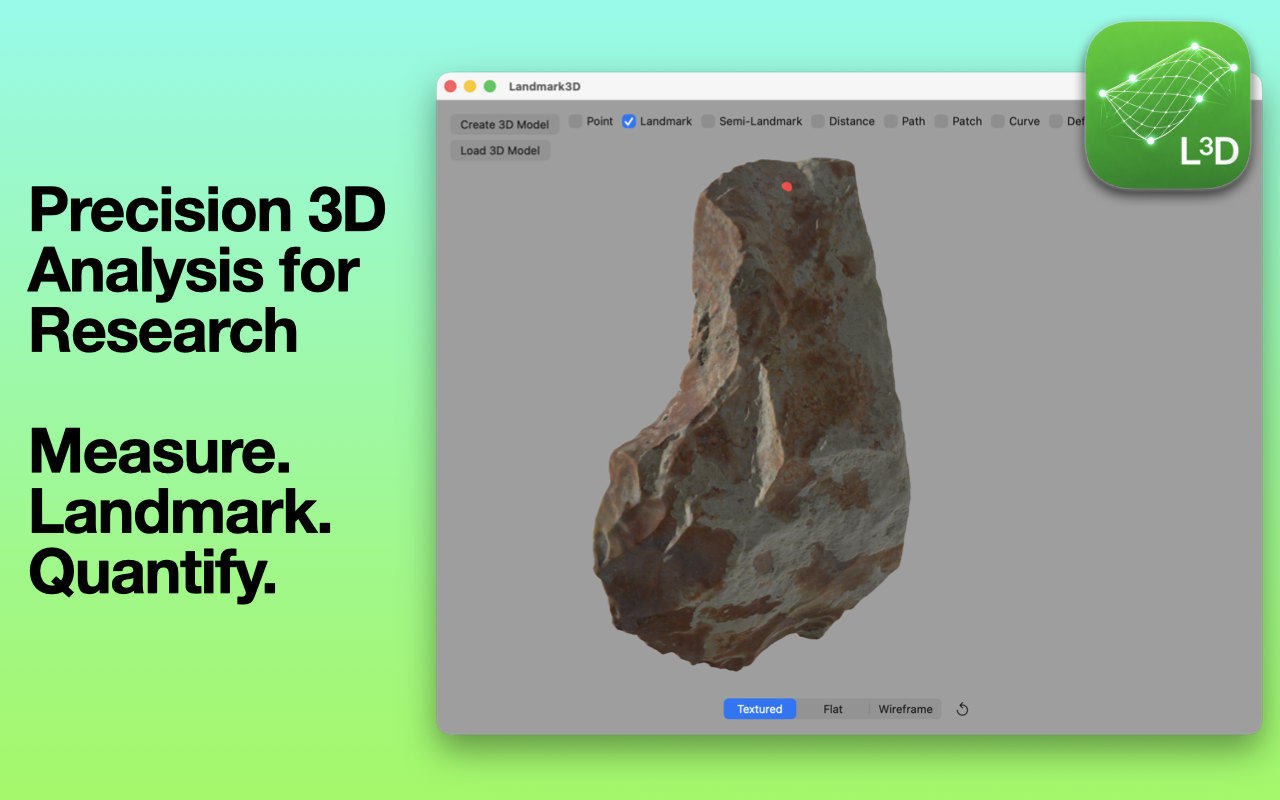


Create Research-Quality 3D Models
- Integrated Apple Object Capture photogrammetry
- Generate textured USDZ models directly from photographs
- Real-time processing feedback
- No external photogrammetry software required
Models can also be imported via OBJ format for compatibility with existing workflows.
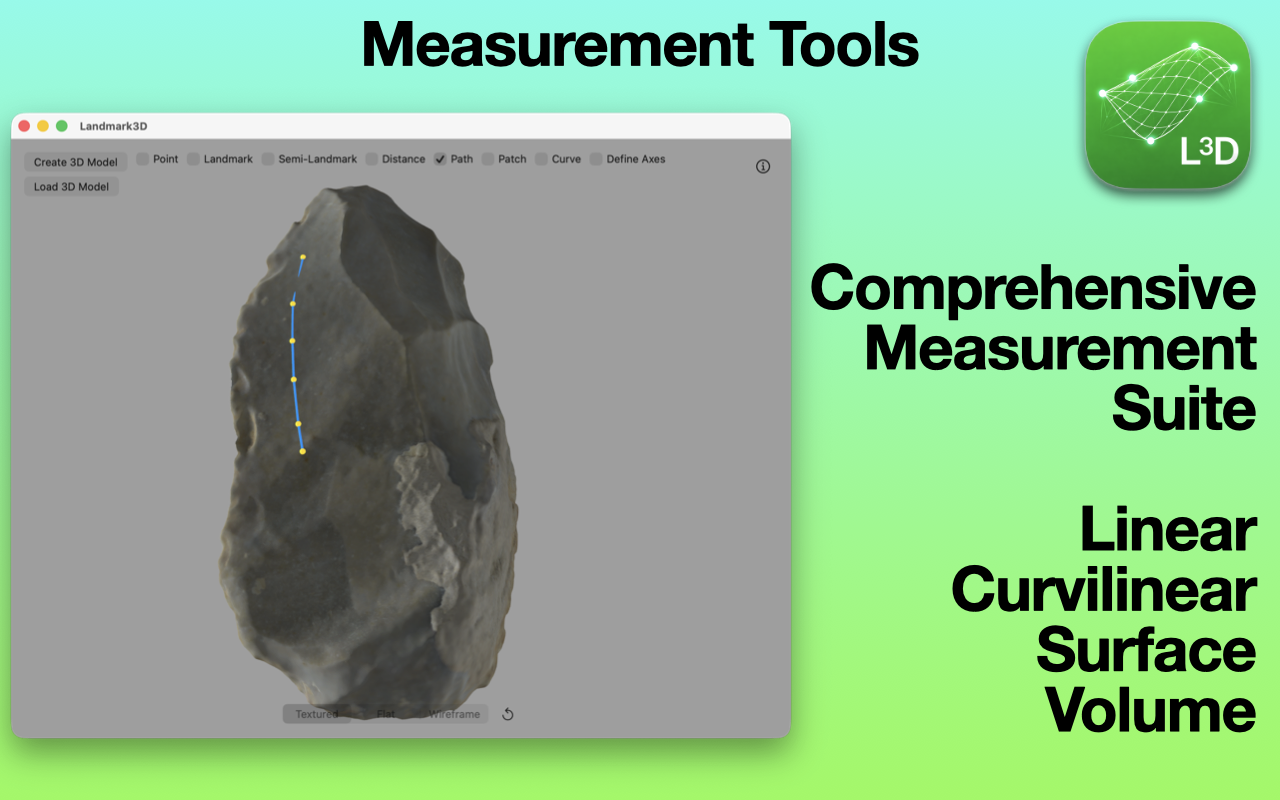
Comprehensive 3D Measurement Tools
Landmark3D provides a full suite of quantitative tools, including:
- Linear 3D distance measurements
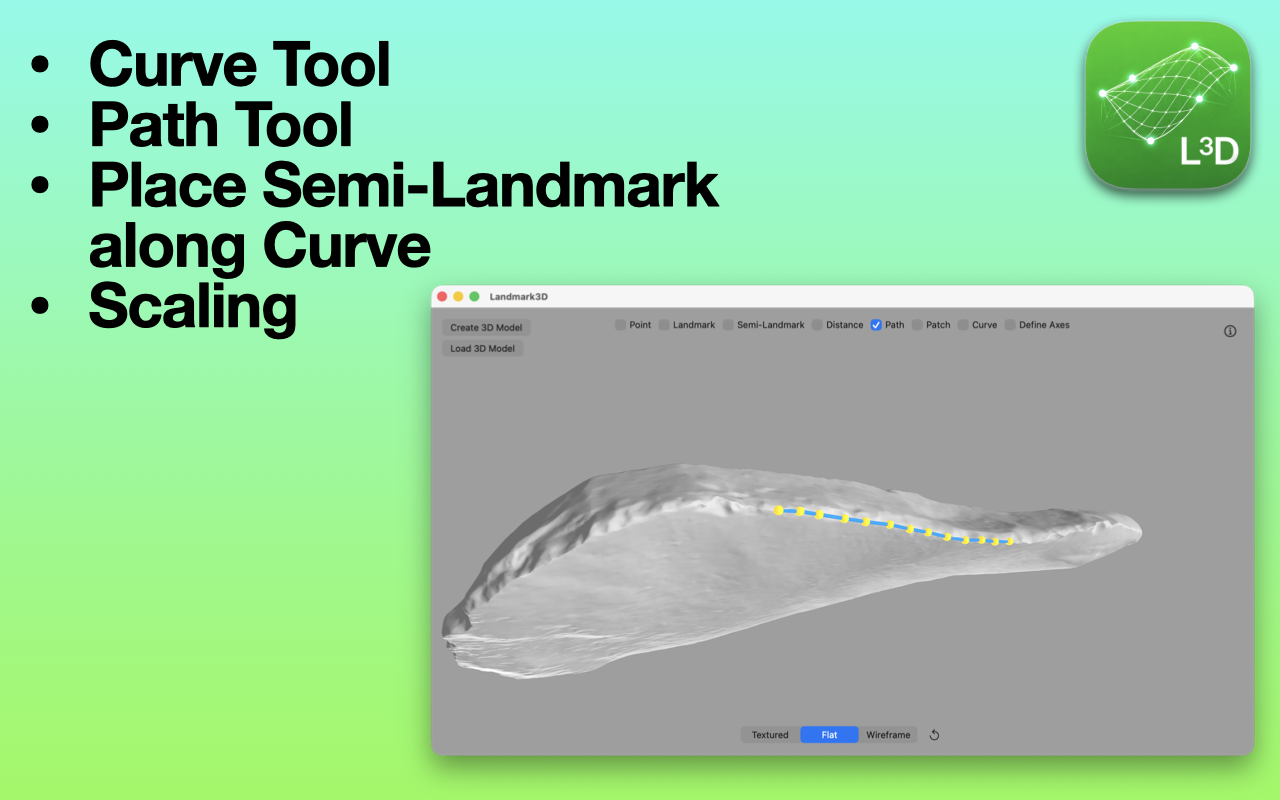
- Surface-following paths and curves
- Curvature decomposition (geodesic and normal curvature)
- Sinuosity metrics
- Oriented bounding box dimensions
- Surface area and volume calculations
- Whole-model geometry statistics
All measurements are calculated in real 3D space and can be scaled to real-world units.
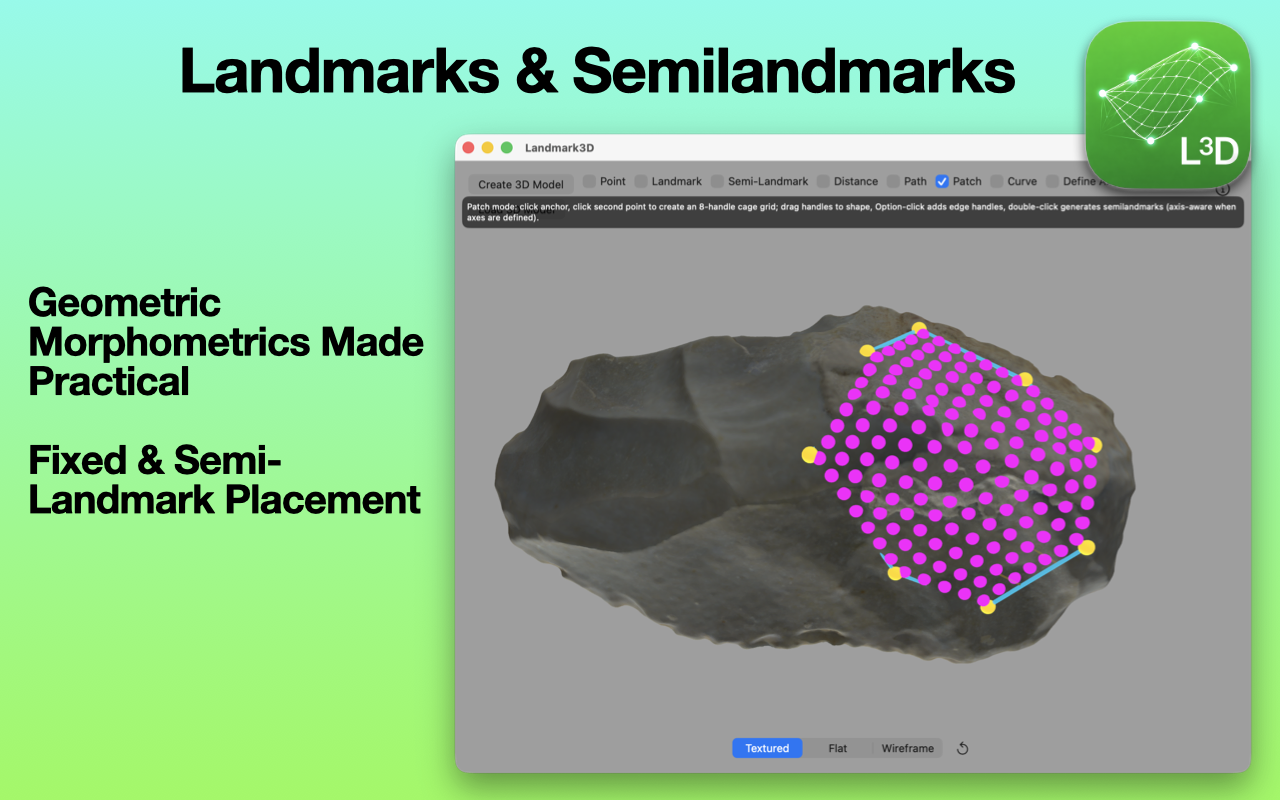
Geometric Morphometrics Built-In
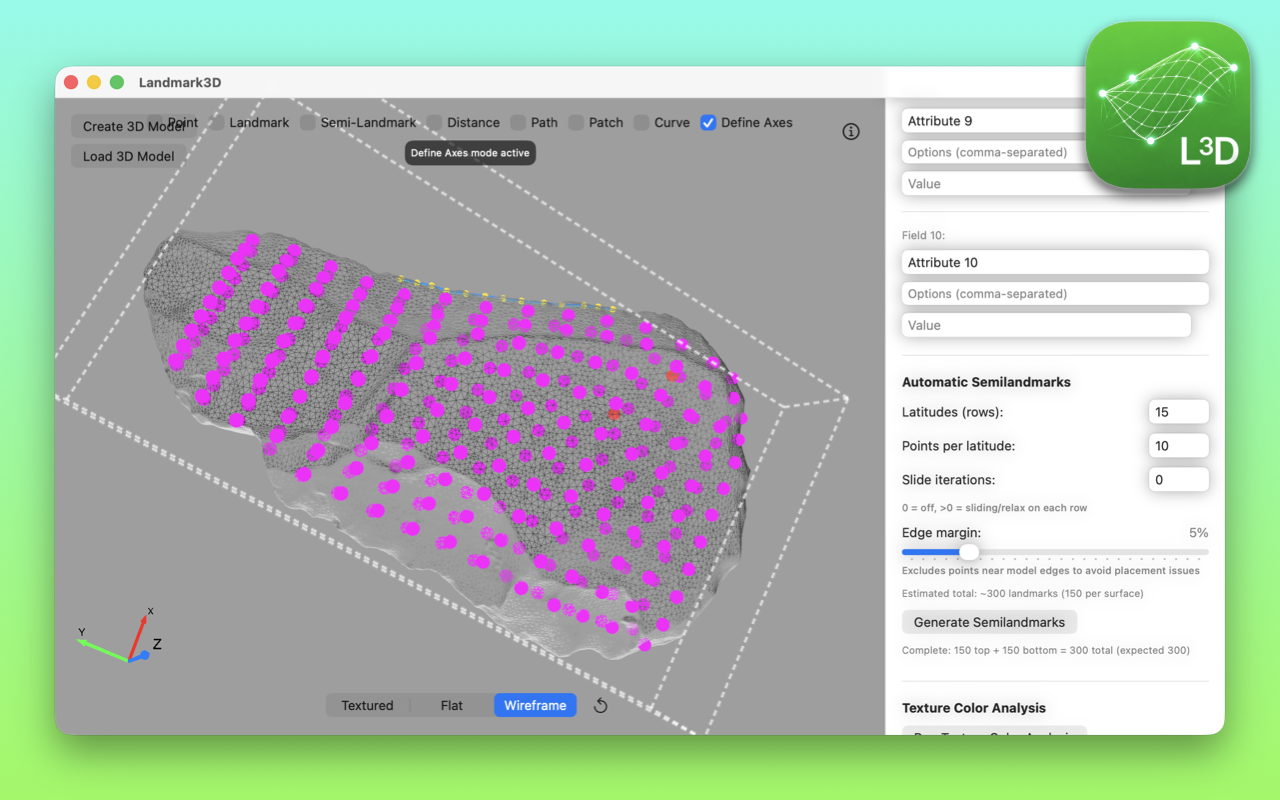
Collect landmark and semi-landmark data directly on the model:
- Manual landmarks and semi-landmarks
- Patch-based regional grids
- Automatic whole-surface semi-landmark generation
- Paired dorsal-ventral semi-landmark placement
- Equidistant semi-landmarks along curves
- Optional sliding iterations for improved surface correspondence
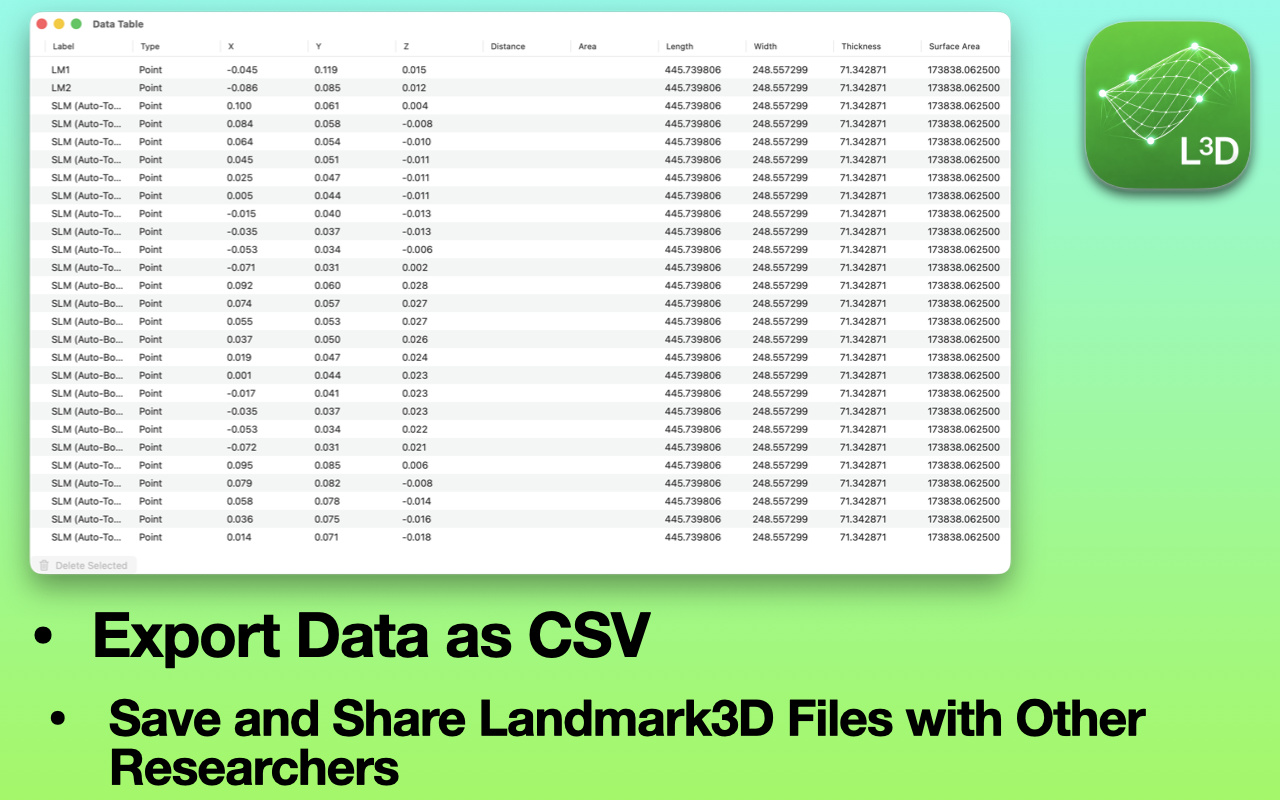
Export coordinates for analysis in R, MorphoJ, geomorph, or other statistical platforms.
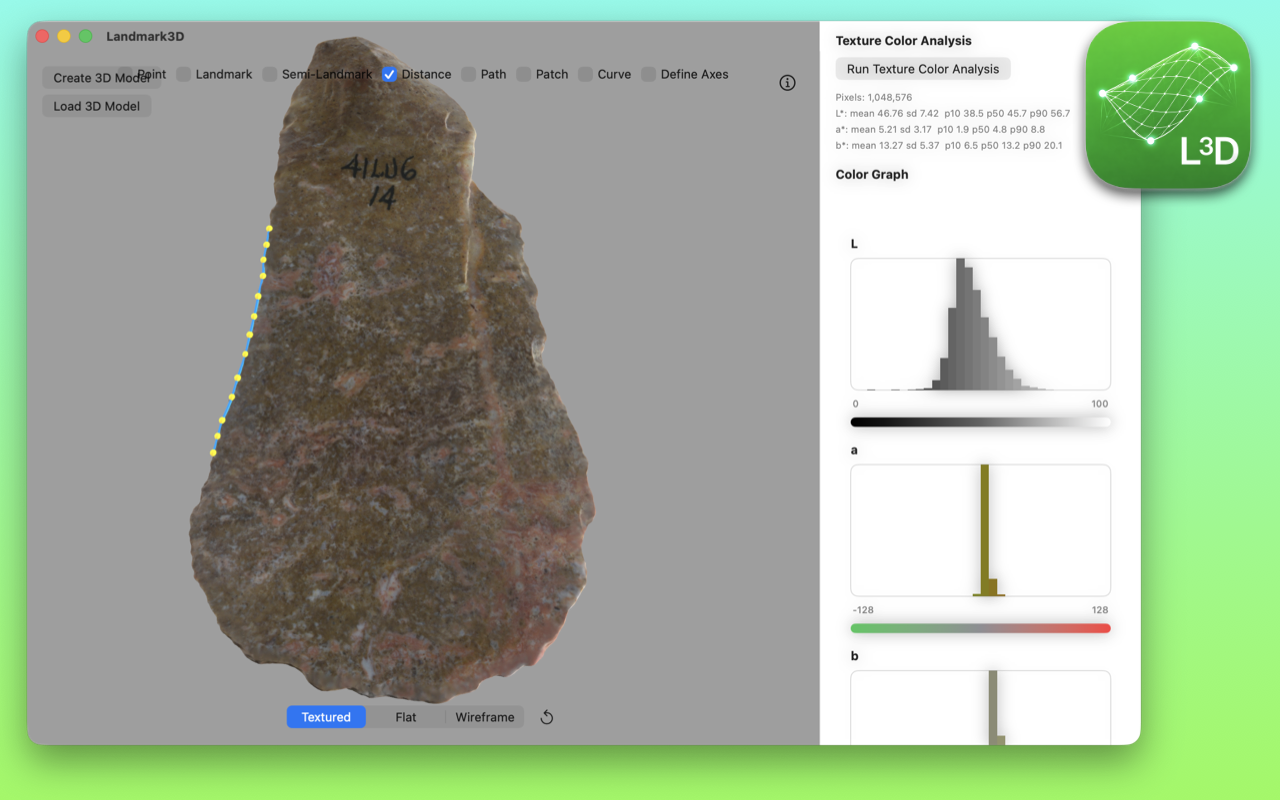
Advanced Surface and Color Analysis
- CIELAB (Lab*) texture color quantification
- Lightness and chromatic statistics
- Histogram visualization
- Structured color export for analytical nodule analysis
Integrated Session Files (.l3d)
Landmark3D preserves the full analytical context by storing:
- The 3D model
- All measurements
- Landmarks and semi-landmarks
- Metadata and custom attributes
Everything is saved in a single unified session file, ensuring transparency, reproducibility, and easy sharing across research teams.
Built for Researchers
- Native macOS performance
- GPU-accelerated processing
- Designed for lithic analysis, adaptable to ceramics, bone, fossils, and biological specimens
- No programming required
Landmark3D lowers the barriers to advanced 3D analysis while preserving scientific rigor and analytical transparency.
Requires Apple Silicon (M-series processor).
Landmark Model Create
Landmark Model Create is a macOS utility developed for streamlined 3D model production from photo folders. Built for archaeological and research workflows, it batch-processes image subfolders with Apple Object Capture, then creates USDZ, OBJ, and PLY files for each model.
The app also keeps projects organized by moving source images into an images subfolder after processing, making it easier to manage large sets of specimens and create models consistently.
Free to download on the Mac App Store℠.
Privacy
© Landmark3D. All Rights Reserved.