What is Kinesiology & Sport Management?
Study under under top faculty, earn your bachelors and masters and prepare for your career!
Learn More

Department of Kinesiology & Sport Management
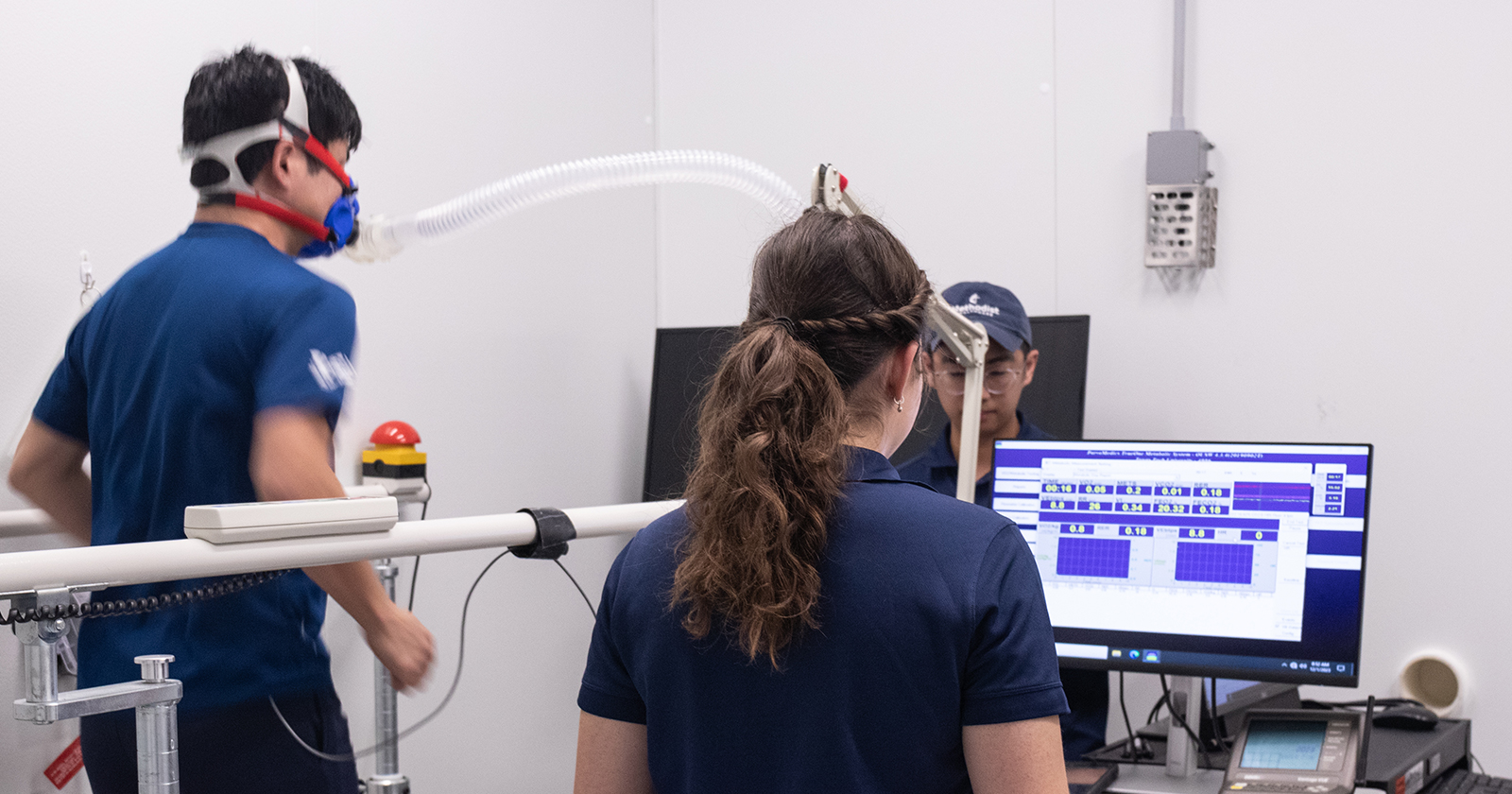
Kinesiology is a dynamic department dedicated to the study of human movement, exercise and physical activity. With a commitment to excellence in teaching, research, and service, the department offers a wide range of programs and opportunities for students interested in pursuing careers in sports science, exercise physiology and allied health professions.
Sport Management provides students with the opportunity to understand and apply business principles in the sport industry. Upon graduation, students may pursue administrative positions within professional, intercollegiate, community or international sport organizations.

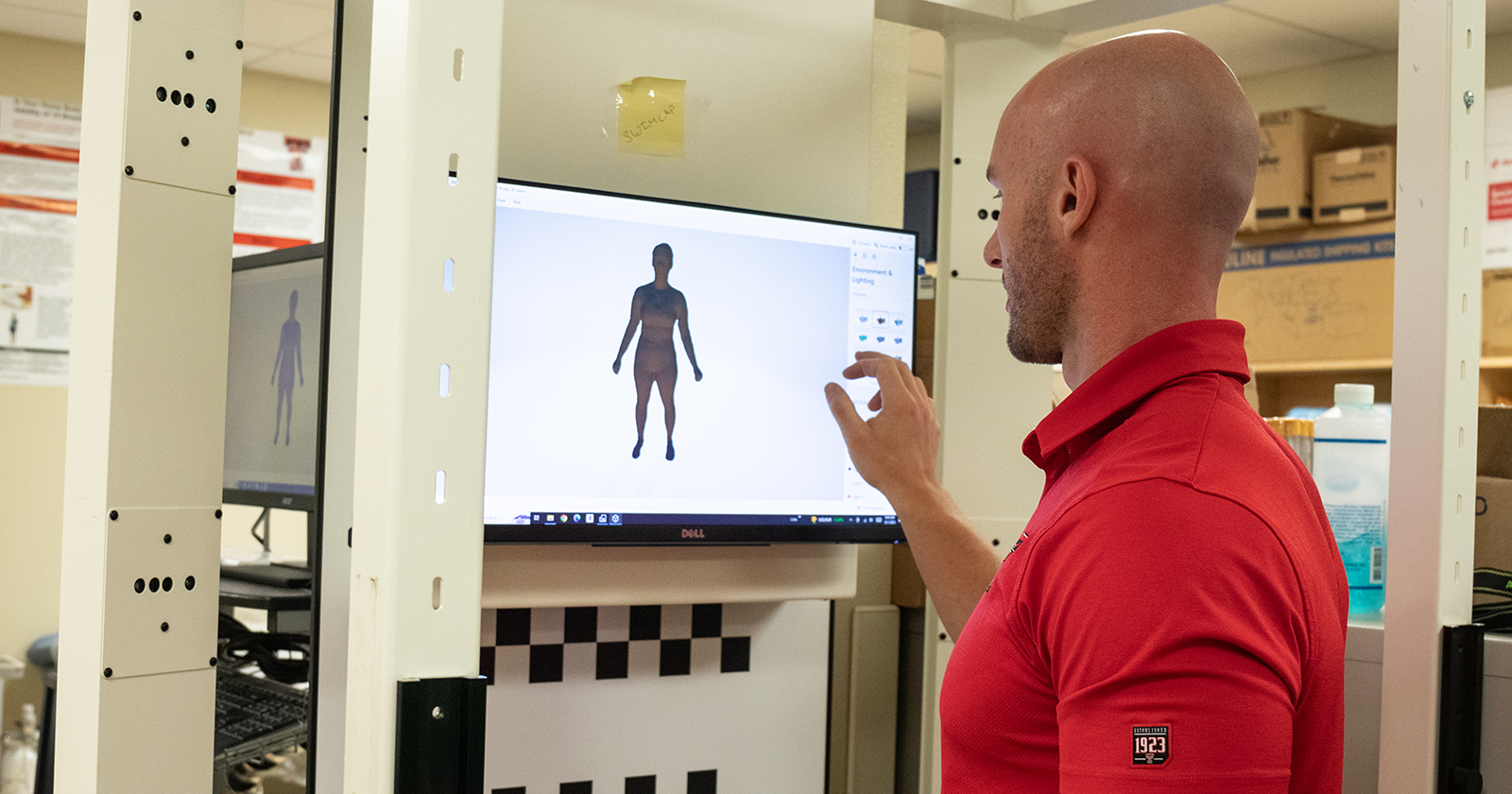
Meet the amazing faculty of KSM and learn about their research and work in their labs!

Learn more about scholarship opportunities both within KSM and Texas Tech.